
Find and remove leftover files from uninstalled apps. Keep your Mac clean, fast, and clutter-free.
Install with Homebrew:
brew tap amzu-ch/tap https://dev.azure.com/amzu-ch/Homebrew/_git/homebrew-tap
brew install --cask mcleanser
Scans preferences, caches, application support, containers, saved states, logs, login items, plugins, and TCC permissions.
Built-in safe mode hides system-critical items so you never accidentally remove something important.
Native macOS app built with SwiftUI. No background processes, no subscriptions. Crash reports are opt-out and anonymous.
Uninstalled apps leave behind preferences, caches, support files, and permissions. MCleanser finds them all in one scan and lets you clean up with a single click.
New scanners cover /Library/Application Support, /Library/Caches, /Library/Logs, /Library/Preferences, /Library/LaunchDaemons and /Library/PrivilegedHelperTools — the places Adobe, Microsoft Office, Zoom, Java, and most pkg-installed apps quietly drop multi-gigabyte trees that user-level uninstallers can't see.
When removal touches root-owned paths, MCleanser asks for your admin password once and runs a single batched rm for everything in that removal. No per-file prompting, no half-finished cleanups. Cancel the prompt and the failure banner lists exactly which paths still need attention.
Running helper processes (AdobeIPCBroker, acrocef, update daemons, etc.) are now signalled to terminate before MCleanser starts trashing. No more "operation in progress" failures because a background updater was holding files open.
Orphaned login items and launch agents reported by sfltool dumpbtm are now unloaded via launchctl bootout and the underlying .plist is removed (with admin auth when needed) so macOS reconciles the BTM record on its own. System Settings is only opened as a fallback for entries we can't tie to a plist.
Quickly narrow results by category — preferences, caches, containers, login items, permissions, and more.
Browse every app on your Mac with version, size, and last-launched date. Scan leftovers for any app directly.
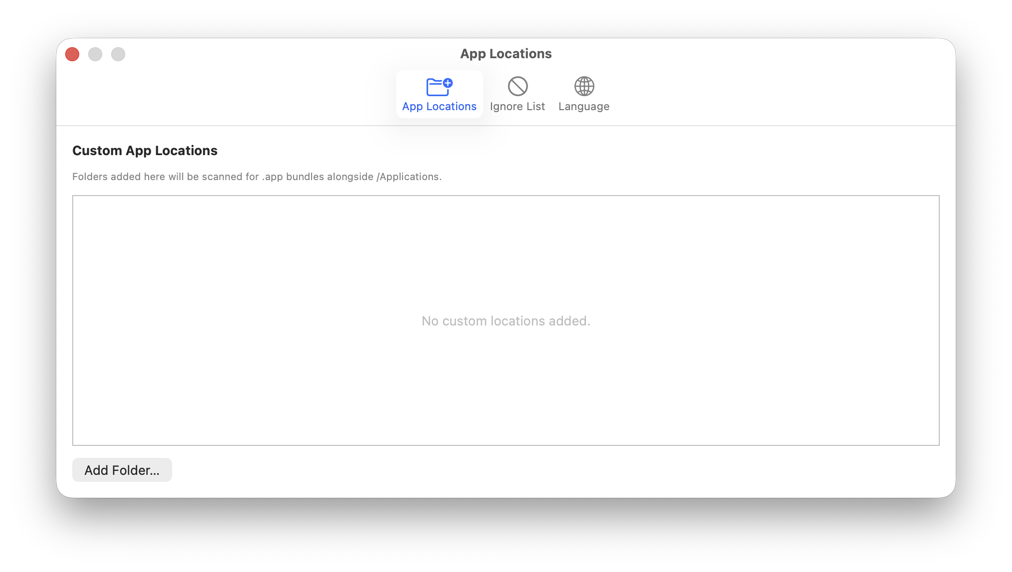
Add custom app folders, manage your ignore list, and choose your preferred language.
Every scan and action is logged. Review exactly what was found and what was removed at any time.
If this app saved you time, consider supporting its development.
Buy me a coffee