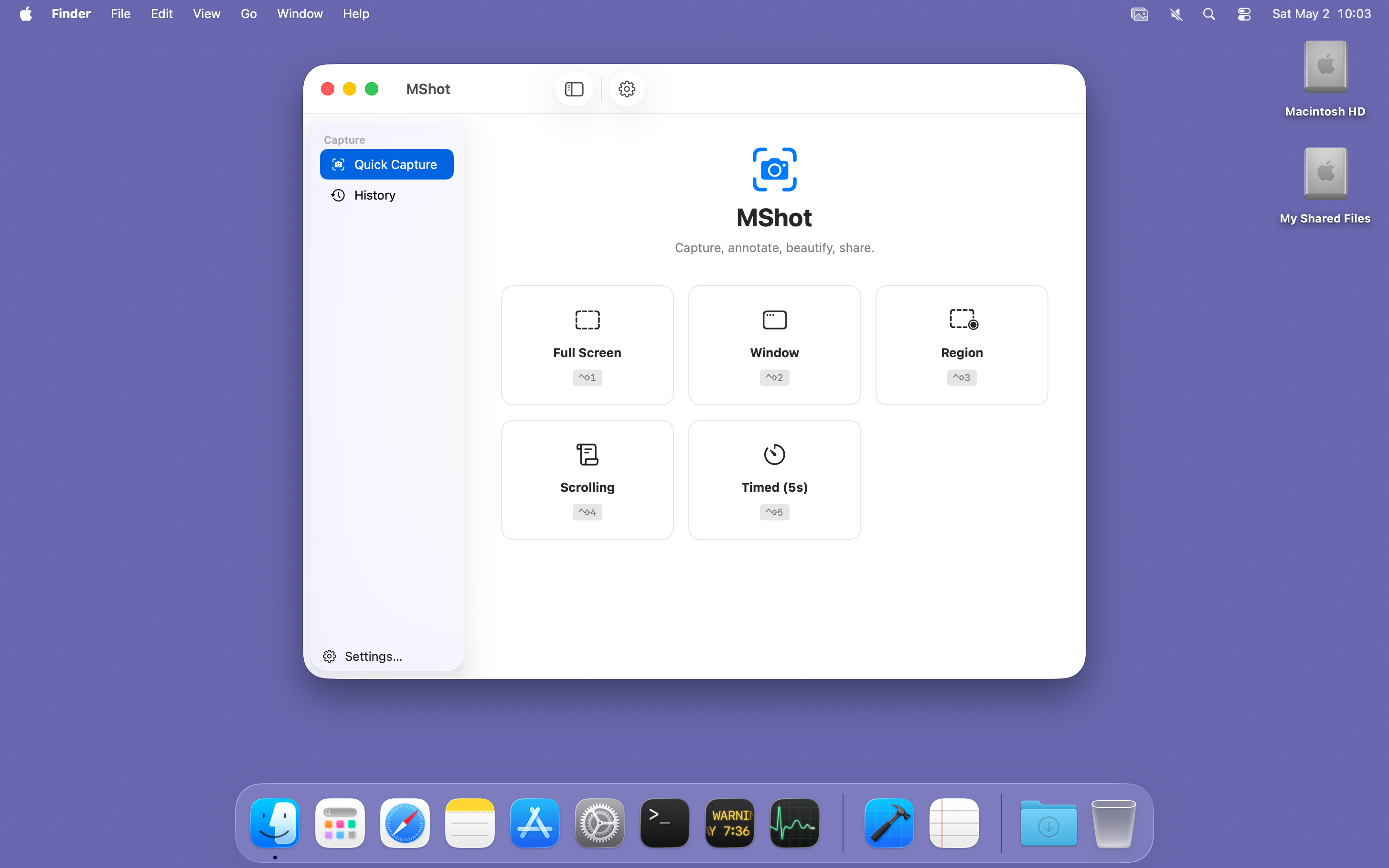
Five Capture Modes
Full screen, window, region, scrolling and timed capture — each one a single ⌃⇧ chord away.

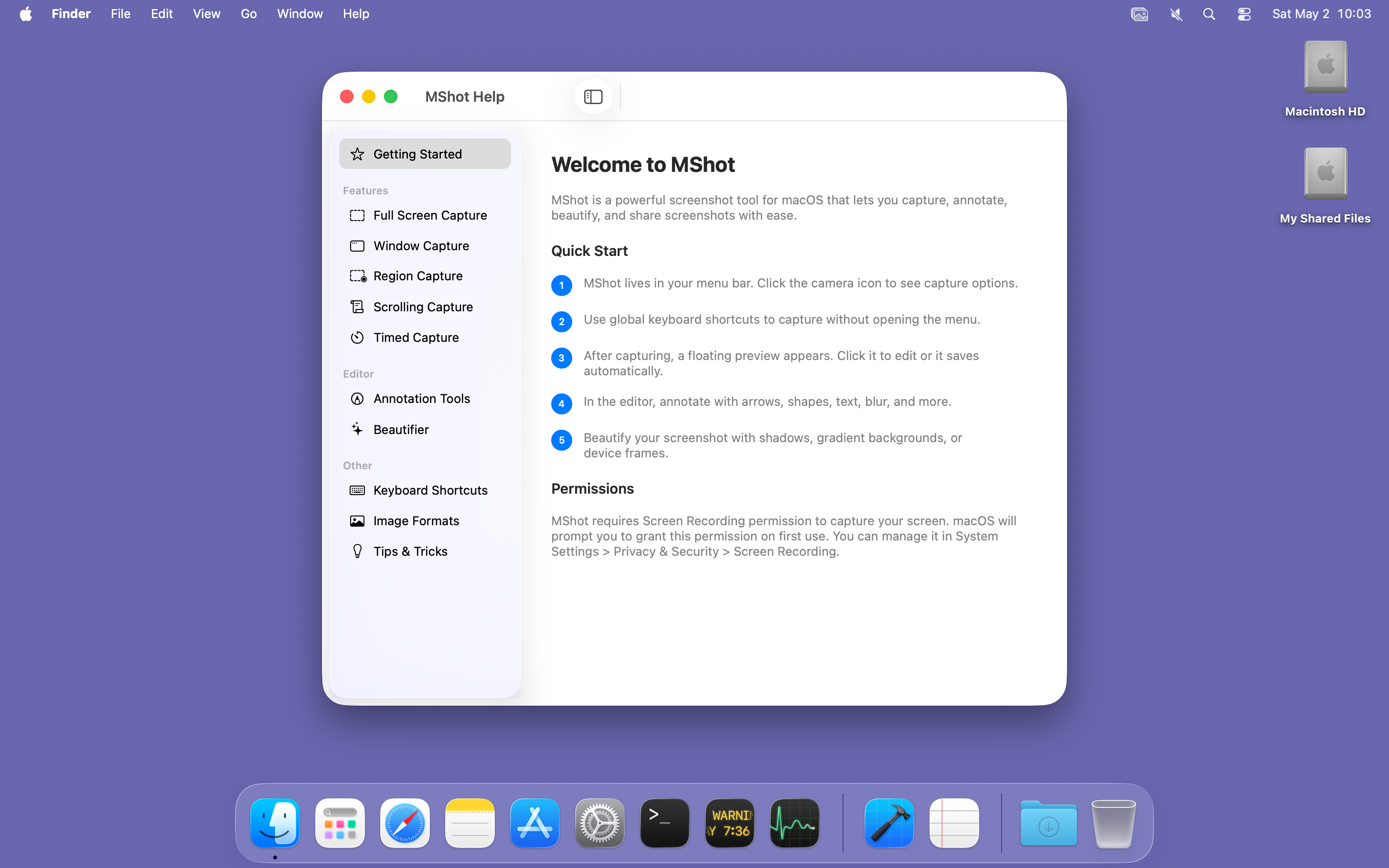
A fast, native screenshot tool for macOS — capture, annotate, beautify, share.
Install with Homebrew:
brew tap amzu-ch/tap https://dev.azure.com/amzu-ch/Homebrew/_git/homebrew-tap
brew install --cask mshot
Why MShot
Full screen, window, region, scrolling and timed capture — each one a single ⌃⇧ chord away.
Arrows, shapes, freehand, text, highlighter, numbered steps and pixelate. Layer panel, presets, undo and redo.
Lives in the menu bar — no Dock icon, no background bloat. Captures are encoded and saved off the main thread, so the UI stays responsive.
Capture
Built on Apple's modern ScreenCaptureKit for crisp, retina-perfect images. Global hotkeys work from any app; a status-bar menu is always one click away.
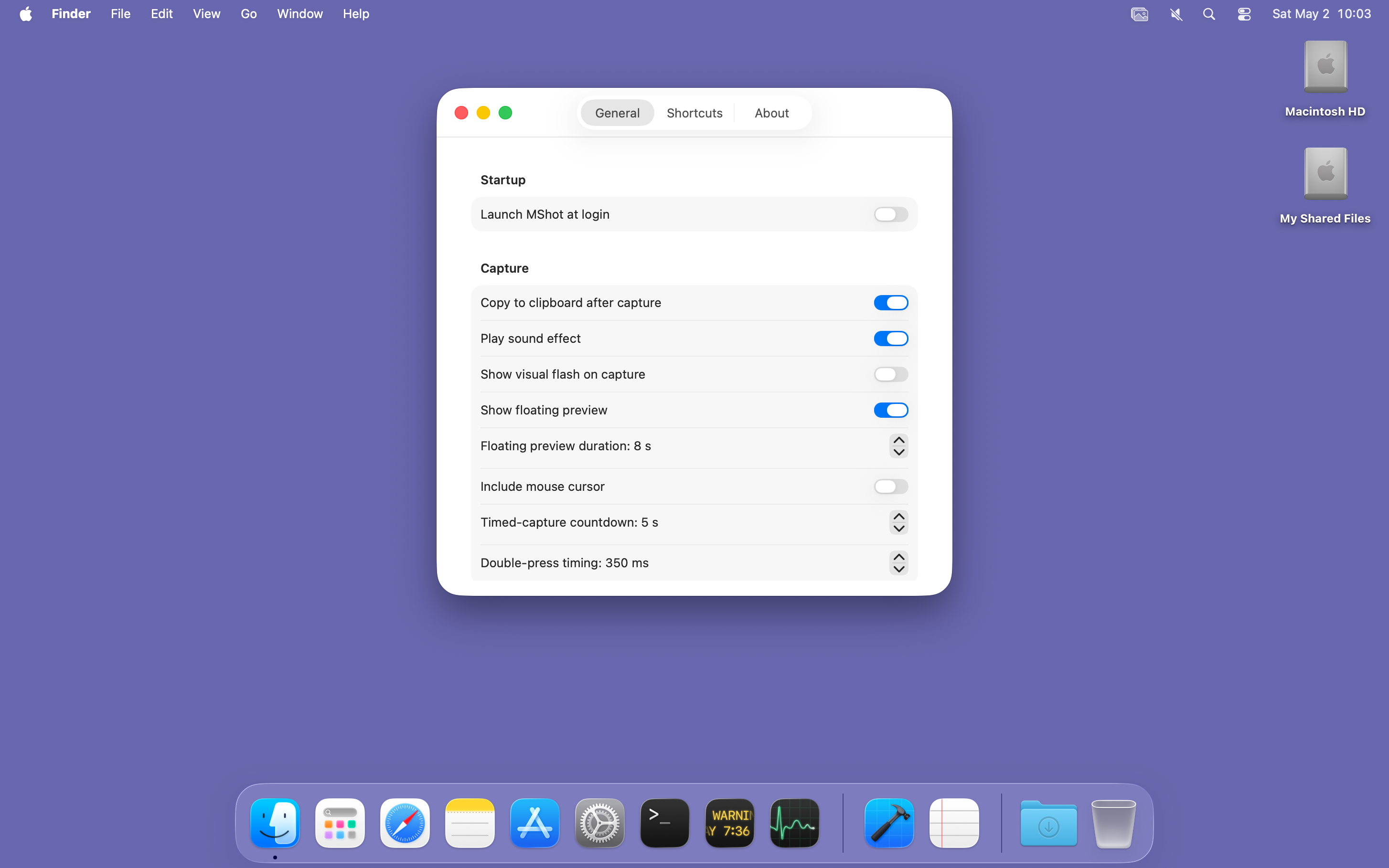
iCloud Drive/MShot so you have it on every device; the local file stays where it is.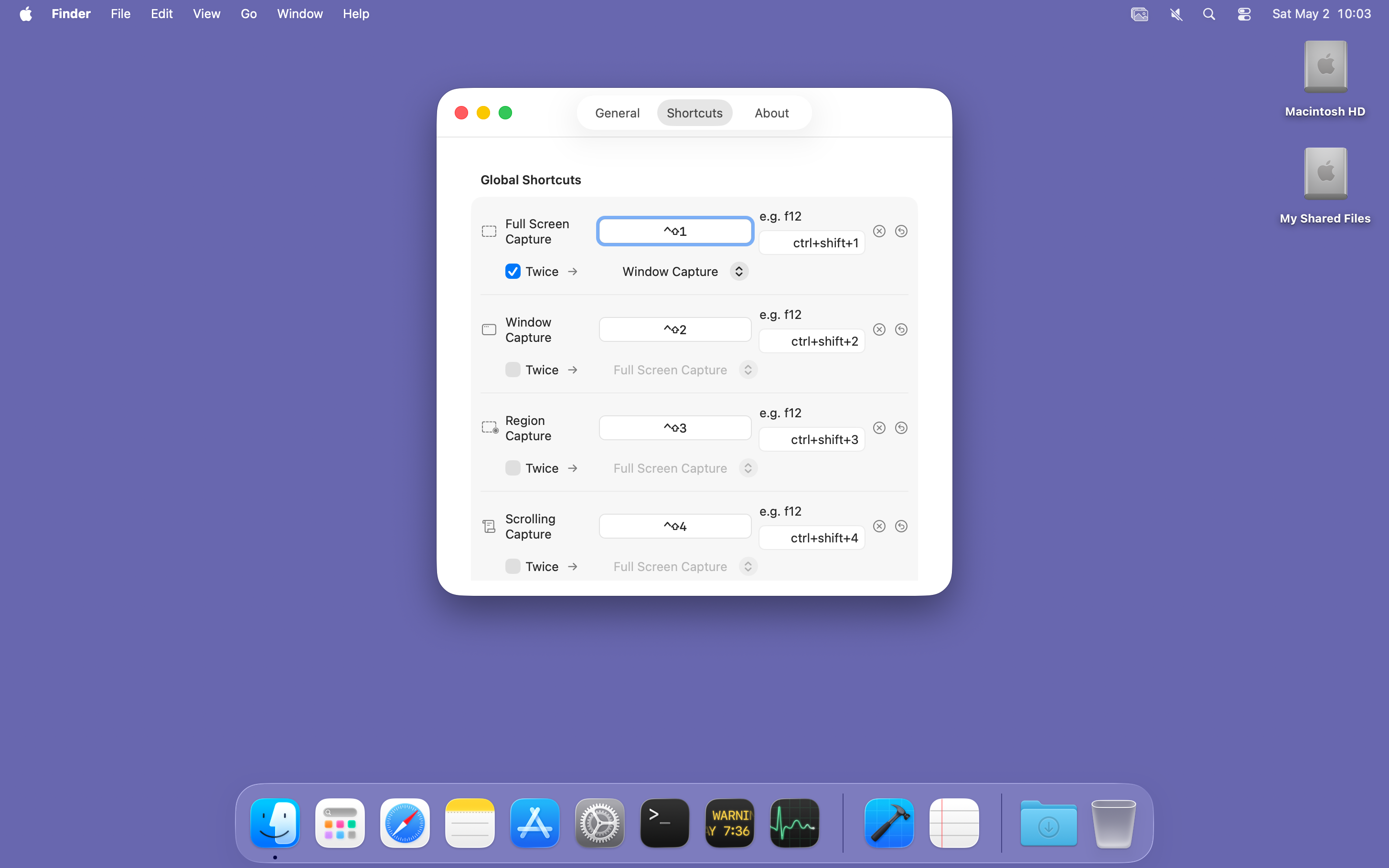
Edit & Beautify
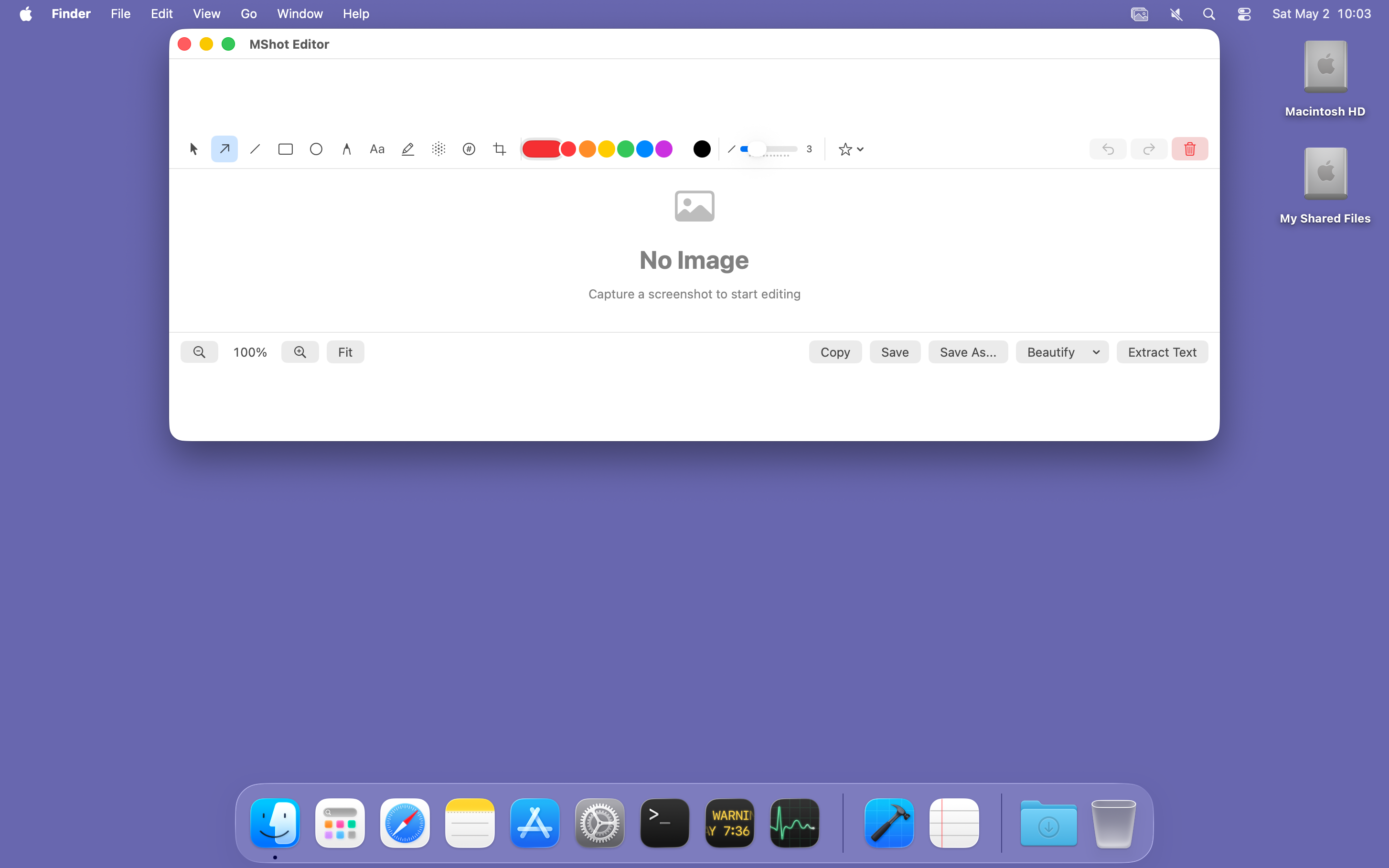
A full annotation canvas with a Layer panel, reusable presets and one-click beautify frames. Great for tutorials, bug reports and design reviews.
11 tools: select, arrow, line, rectangle, ellipse, freehand, text, highlight, pixelate blur, auto-numbered step badges and crop. Colour picker plus 8 swatches, stroke width 1–12, text size 10–72.
Save your favourite tool + colour + width + text size combos and apply them with one click. Ships with Red Arrow, Yellow Highlight and Numbered Step.
Every tool type in use is a togglable layer. Hide every arrow, every blur or every number without deleting them — hidden layers are left out of exports too.
⌘Z and ⇧⌘Z step back and forth through your annotations, as far as you like. Crop and Beautify change the image itself and can't be undone.
One click adds a shadow with rounded corners, a gradient background, or a Mac window frame with traffic lights around your capture.
Extract Text reads the text in any image using Apple Vision — entirely on-device. The result goes straight to your clipboard.
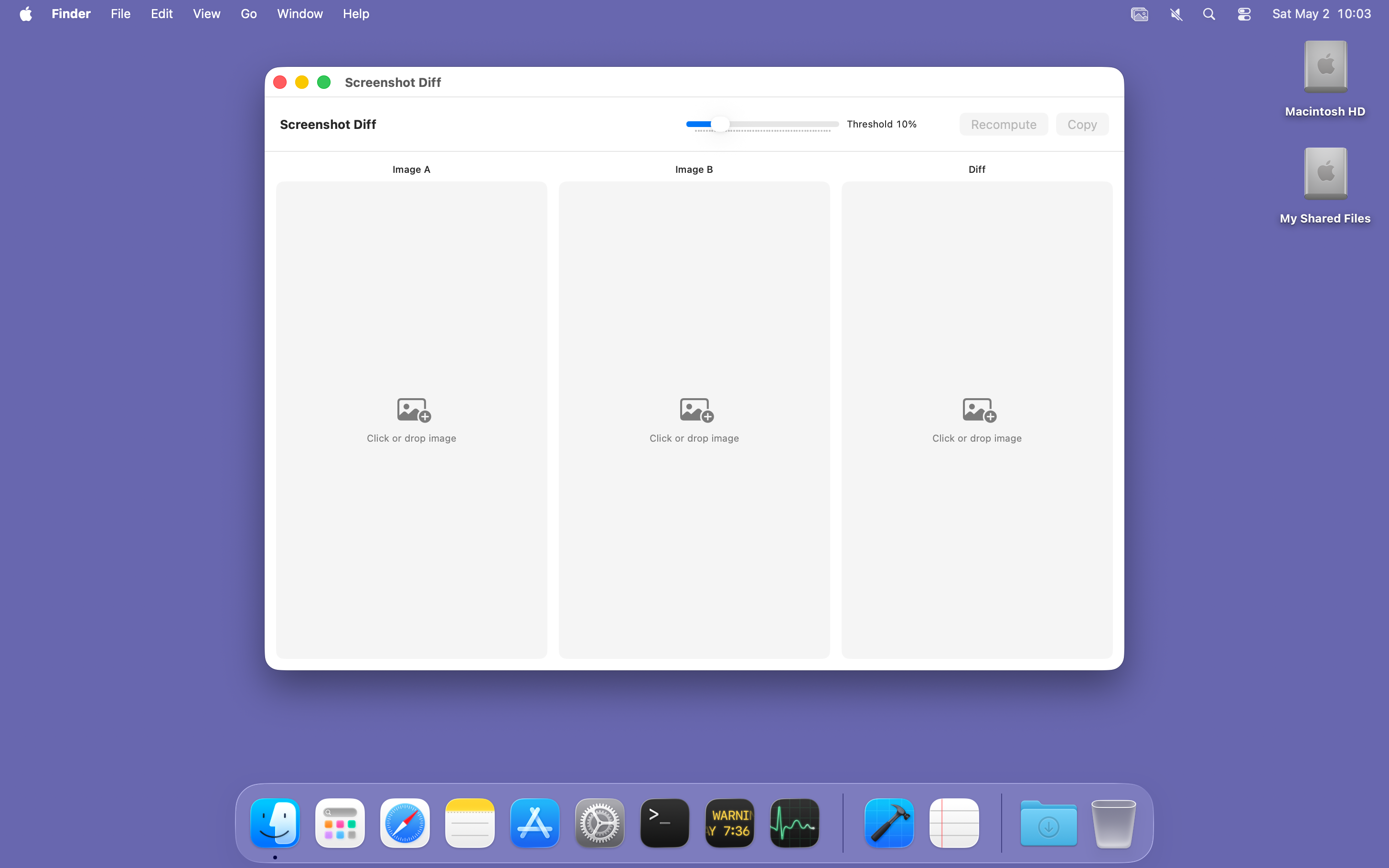
Drop two images onto the diff viewer and see pixel-level differences highlighted in red. Adjustable 1–50% threshold; great for visual regression checks.
Use Open With → MShot in Finder or drop an image onto MShot.app to annotate it in the editor. Prefer another editor? Settings → General → Editor can send Edit to an app of your choice.
History & Export
MShot keeps your last 50 captures in a history stored on your Mac, so it survives relaunches. Re-open, re-copy, reveal in Finder, or export a whole batch with one click.
Install
MShot.zip and unzip it./Applications folder.Under the Hood
Screenshots never leave your Mac unless you turn on iCloud Drive sync. No analytics, no usage tracking.
Crash reporting (Sentry) runs only if you enable it and add a DSN in ~/Library/Application Support/MShot/appsettings.json. Then it sends crash reports only — no breadcrumbs, no traces; user, request and server name are stripped.
Automatic update checks are off by default — turn them on in Settings → General → Updates. Check for Updates… in the menu works any time.
Apple Vision recognizes text locally. Nothing is uploaded.
Encoding and writing run off the main thread, so the UI stays responsive even with 4K captures.
Screen Recording — the permission macOS requires for any capture tool. Accessibility only if you use Auto-scroll in a scrolling capture.
Menu bar → "Report a Bug…" opens your mail client with version, build, macOS version, Mac model and locale prefilled.
Developer ID-signed and notarized by Apple. One universal app for Apple silicon and Intel Macs.
Native SwiftUI and ScreenCaptureKit. Small binary, instant launch, faithful to the macOS look and feel.
MShot is provided as is, without warranty of any kind, express or implied, including but not limited to warranties of merchantability, fitness for a particular purpose, or non-infringement.
In no event shall the authors or amzu solutions GmbH be liable for any claim, damages, data loss or other liability arising from the use of this software. You are responsible for evaluating whether MShot is suitable for your environment before running it.
If this app saves you time, consider supporting its development.
Buy me a coffeeFound a bug? Use Menu Bar → Report a Bug… in MShot, or email .